Skip to content

VALE / Live Render Capture

See the field breathe.

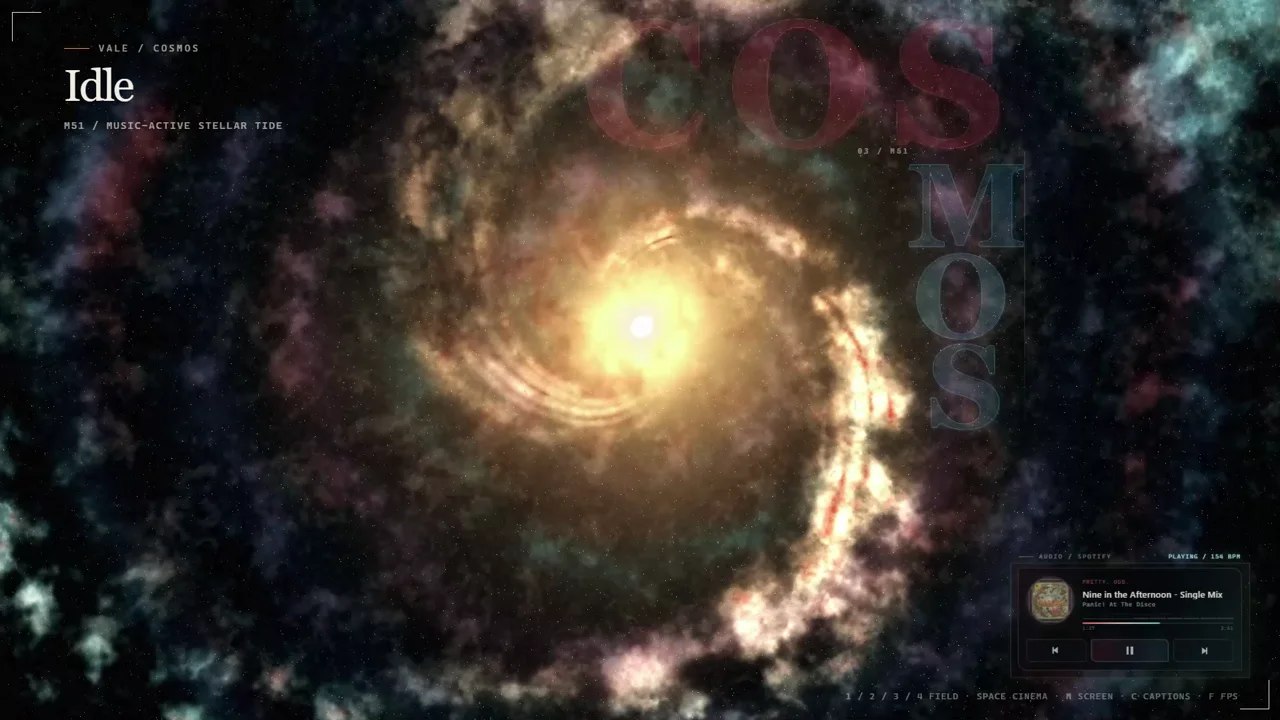
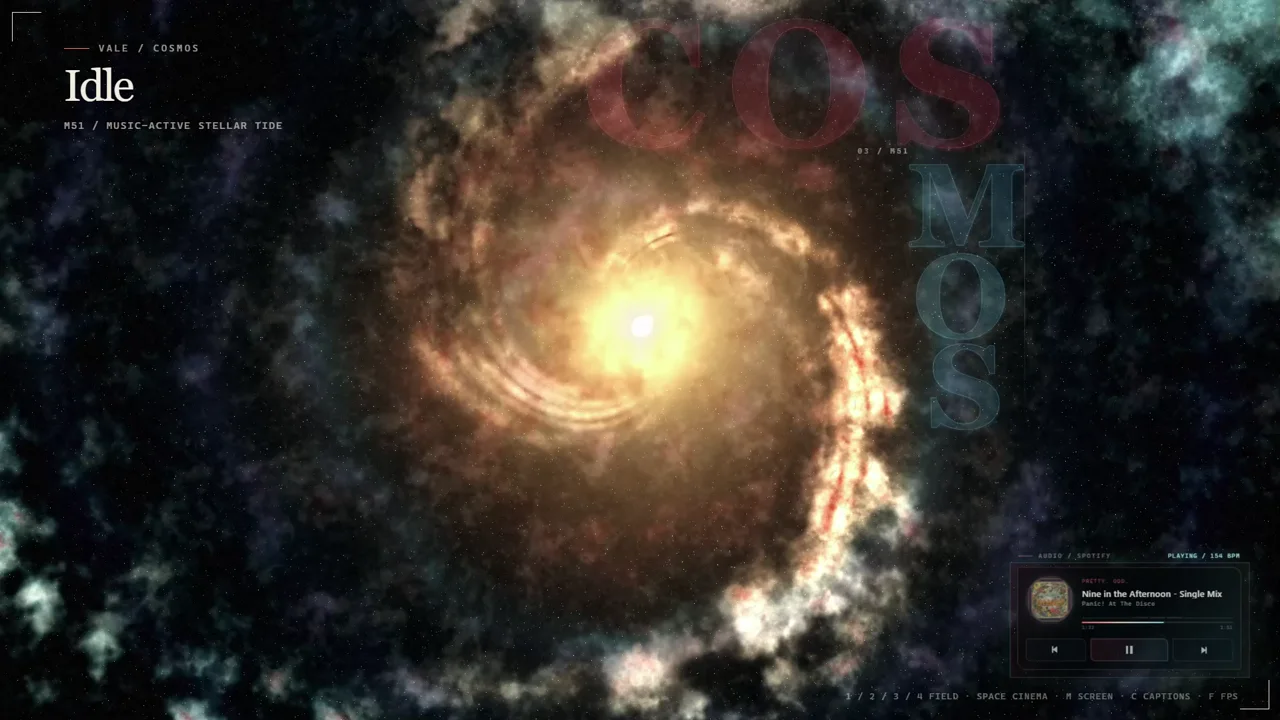
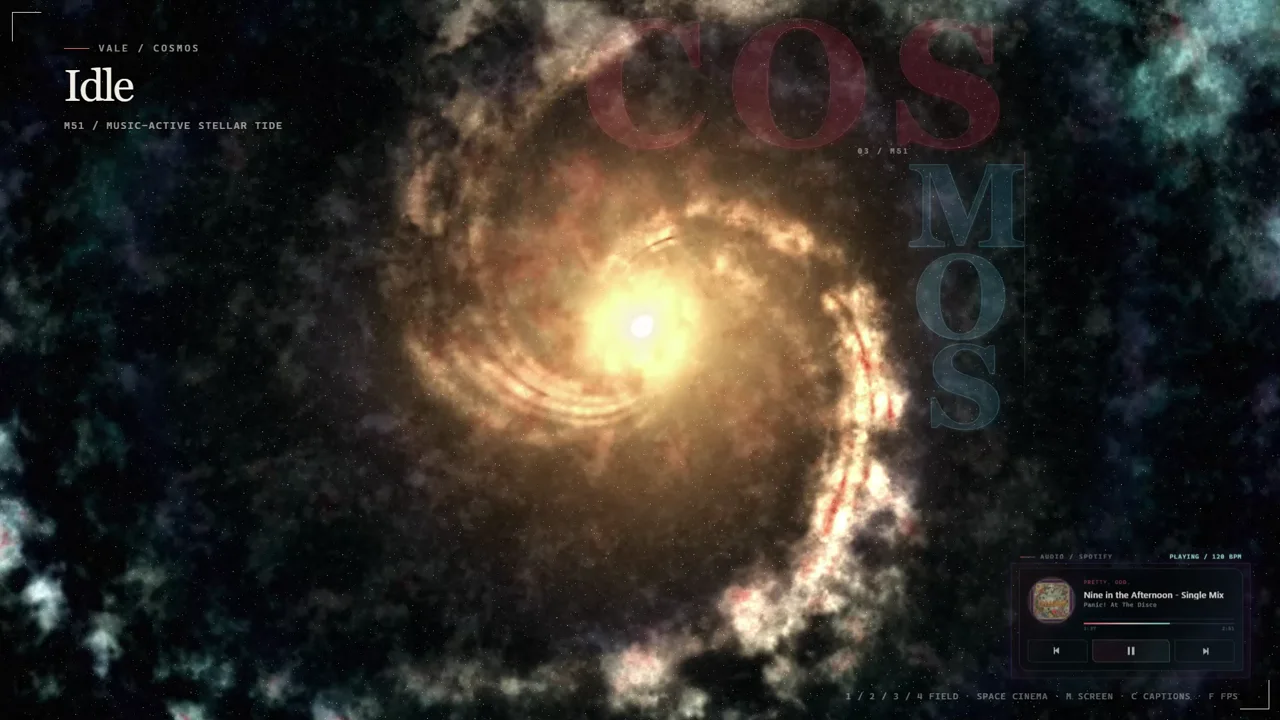
This is VALE running on Windows, not a concept mockup. The COSMOS field layers a live stellar system, music state, transport controls, captions, and cinema controls into one full-screen environment.

Download VALE for Windows Installation and controls

SourceLive Windows capture
FieldCOSMOS
Render1280 × 720 demo
AudioNone

What you are seeing

  • A field, not a wallpaper

    The stellar core, dust lanes, particles, and type system keep moving as one scene instead of sitting behind the controls.

  • Music state in the composition

    Track art, title, transport controls, progress, and tempo live inside the lower-right telemetry panel.

  • Controls that disappear into cinema mode

    Field switching, captions, screen selection, and frame-rate controls stay available without turning the render into a dashboard.

Fresh render stills

VALE COSMOS render with the stellar core opening into a bright spiral
Stellar tide opening
VALE COSMOS render with dense particles around the music-active center
Music-active center
VALE COSMOS render with the gold core framed by blue and red nebula clouds
Late-loop nebula field

Upload-ready media

Every asset below comes from the supplied VALE capture. The video contains no audio stream, and the GIF is silent by format.
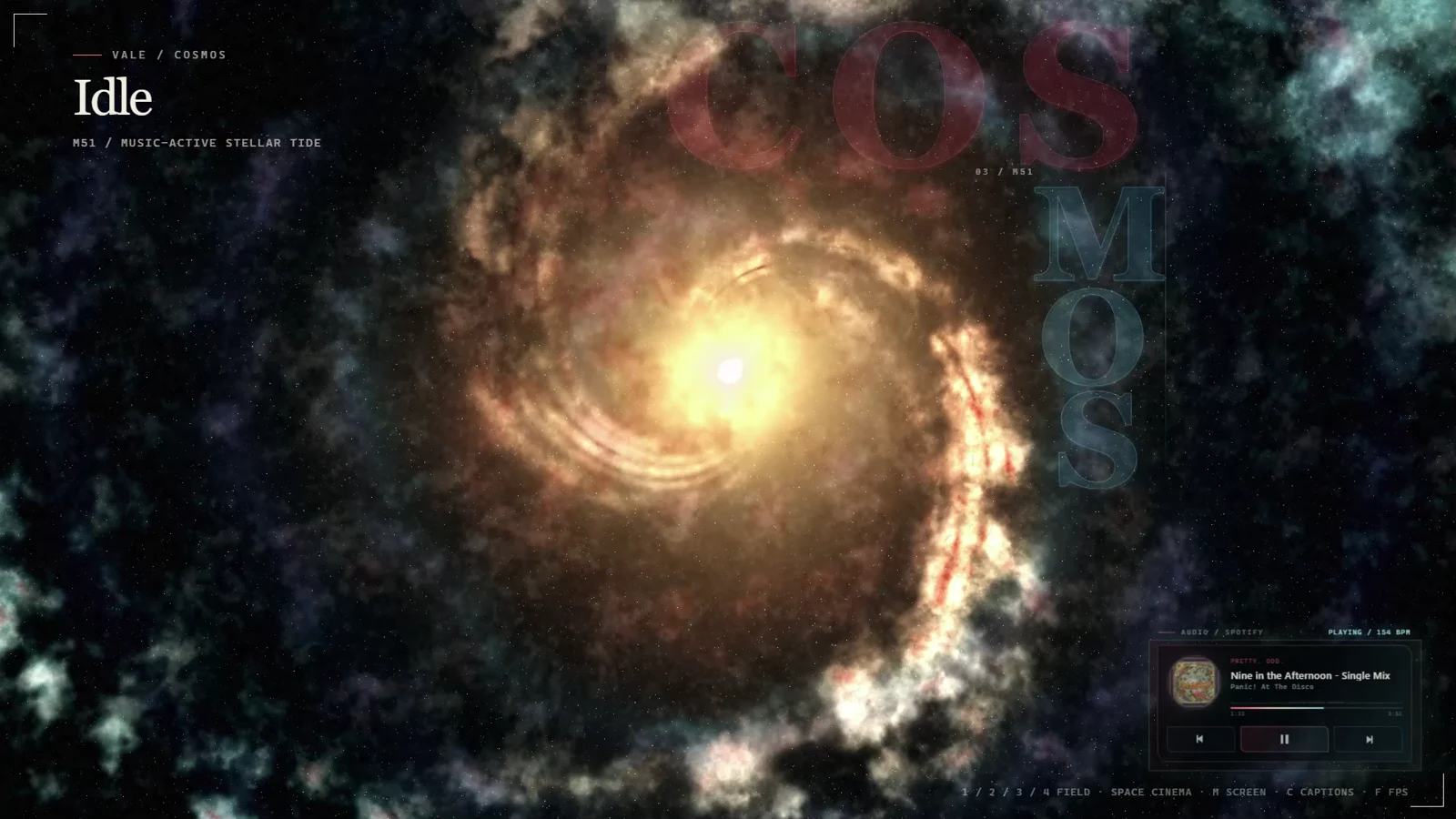
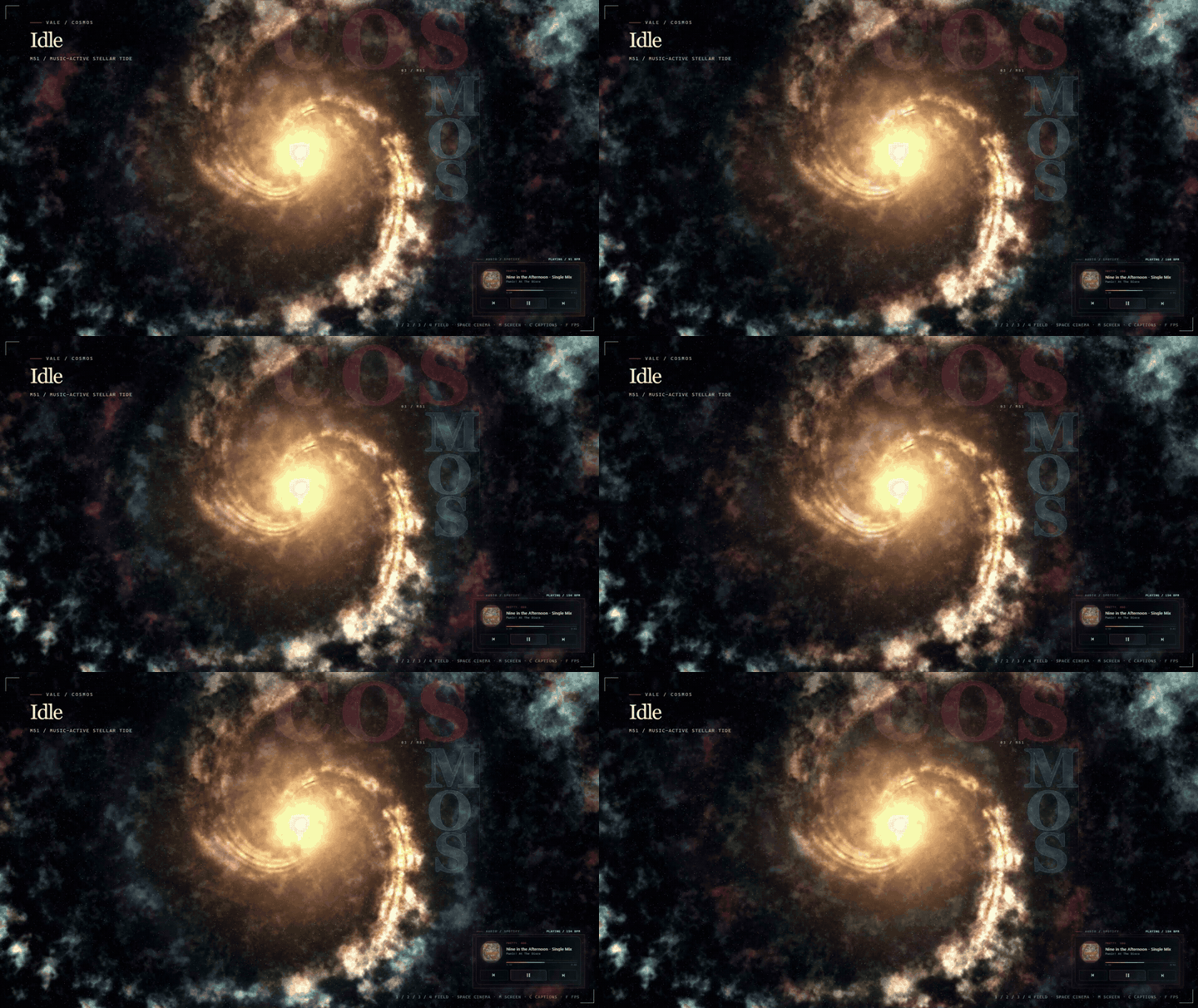
A real render, with no added soundtrack

The page uses the MP4 for the clearest, smallest motion preview and keeps the GIF as an easy upload option. Neither asset carries audio.

Back to the VALE download page