TUSK: keep your website sales organized.
Track businesses you want to contact, the conversations you've had, and what needs to happen next. TUSK brings leads, website checks, mockups, and invoices into one self-hosted app.
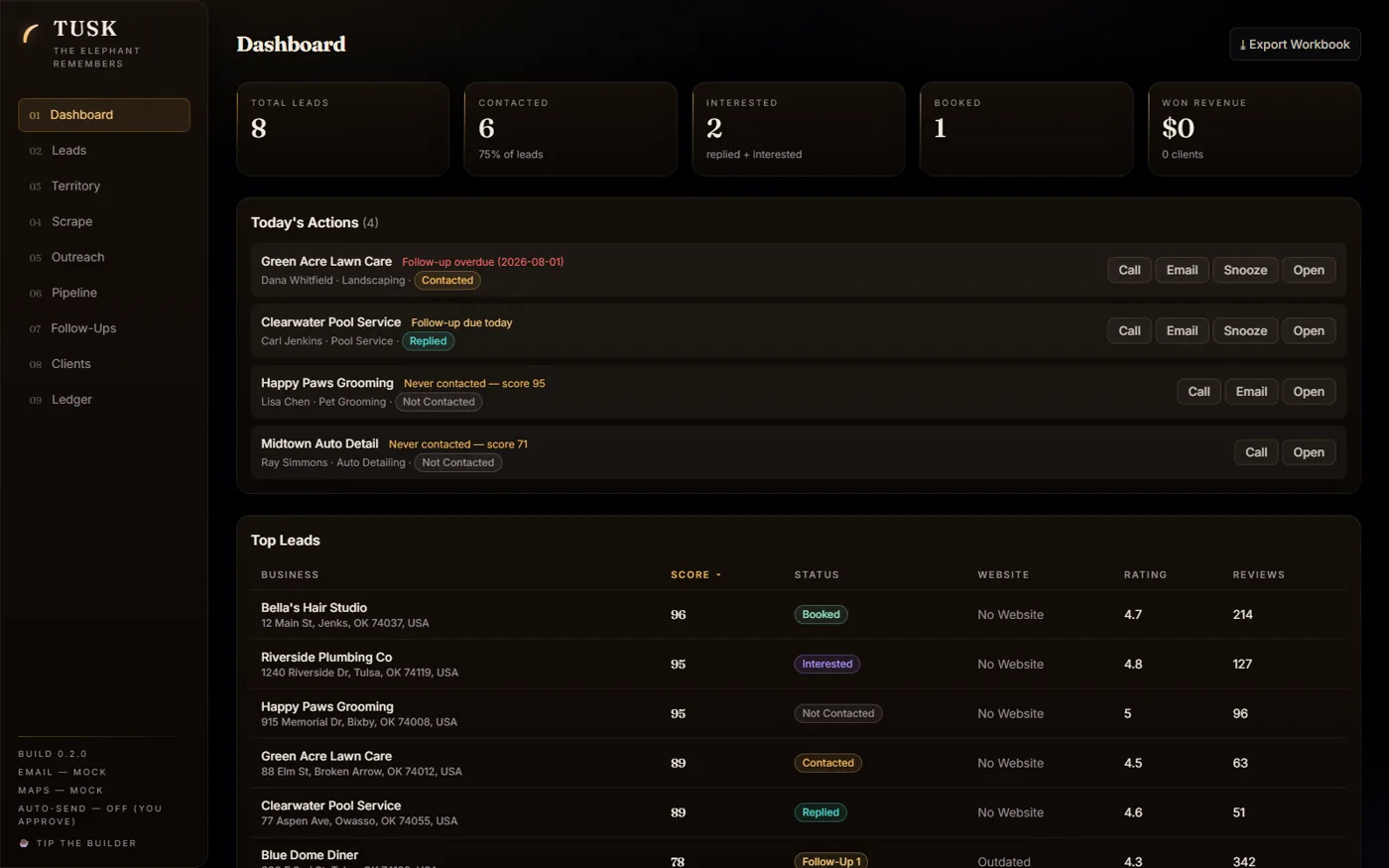
The screenshots use the included demo businesses. They show the interface, rather than results from real sales.
Set it up with your agent
TUSK runs on Windows, macOS, or Linux with Node.js. Use a currently supported Node.js release that meets the repository's requirements.
Set up https://github.com/jordysupport/tusk in a new permanent folder.

1. Confirm the location with me and check Node.js requirements.
2. Read README.md, package.json, and AGENT-SETUP.md before running
   installation commands. Explain the dependencies and scripts.
3. Install dependencies, seed the demo data, and start the app using
   npm install, npm run seed, and npm run dev.
4. Confirm the app opens at http://localhost:5173.
5. Explain the optional Google Places and SMTP settings. Leave them
   unconfigured, and keep AUTO_FOLLOWUPS=false.
6. Ask which personalizations I want before changing the defaults.
   Report the files you changed and any setup failures.

Do not send email, search for real leads, enable automated follow-ups,
or handle my passwords and API keys. Do not overwrite an existing
database, configuration, or attachments folder.
Or install it by hand
Clone the repository or extract the source ZIP into a new folder. Read its setup instructions, then run these commands from that folder:
Open http://localhost:5173. On Windows, tusk-start.cmd handles installation and launch. The seed step adds eight fictional demo businesses so you can try the app.
Without integration keys, searches use labeled sample results and emails are logged rather than sent. Optional Google Places and SMTP connections enable real searches and email. Those services have their own accounts, rules, and possible charges.
The screens
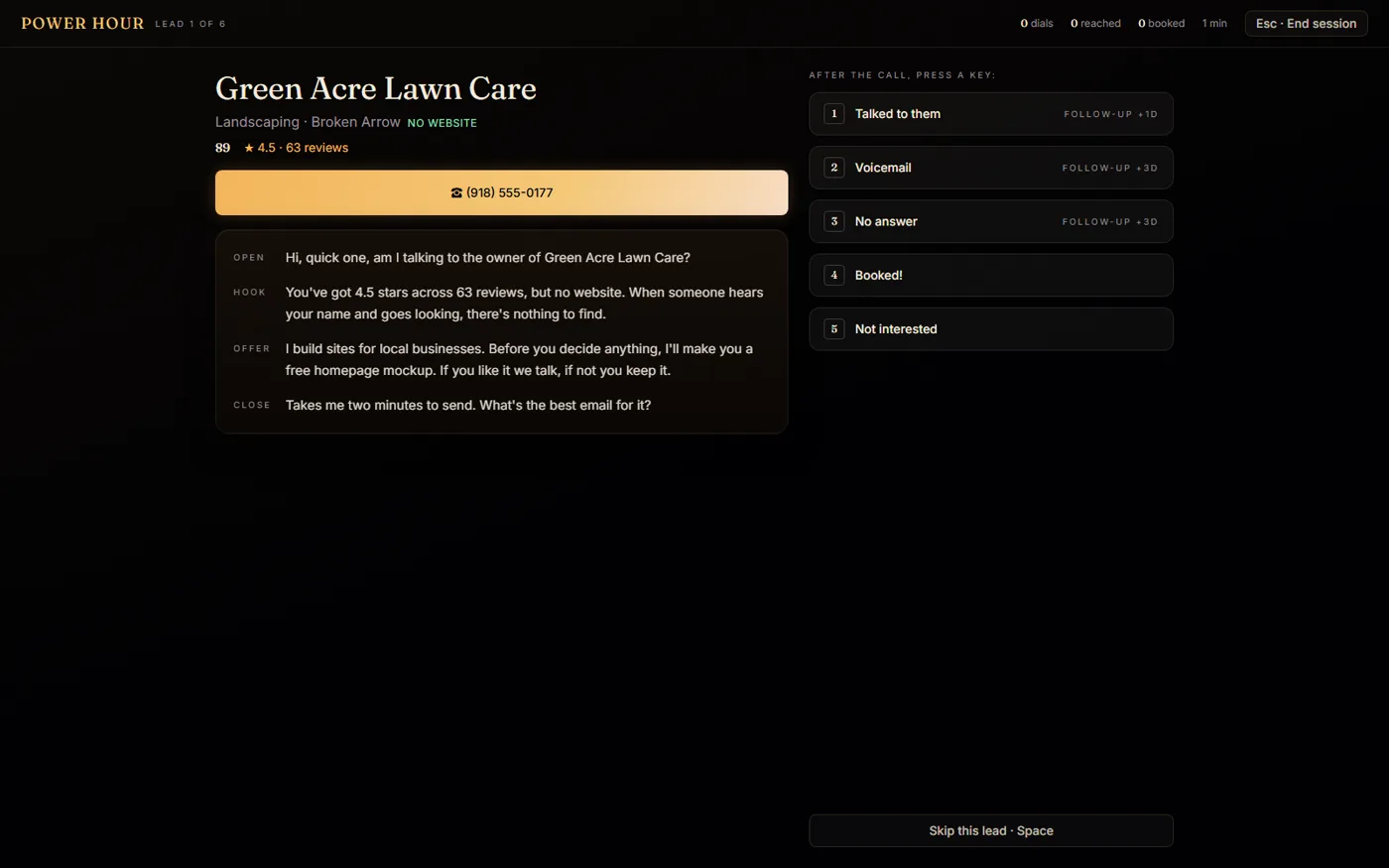
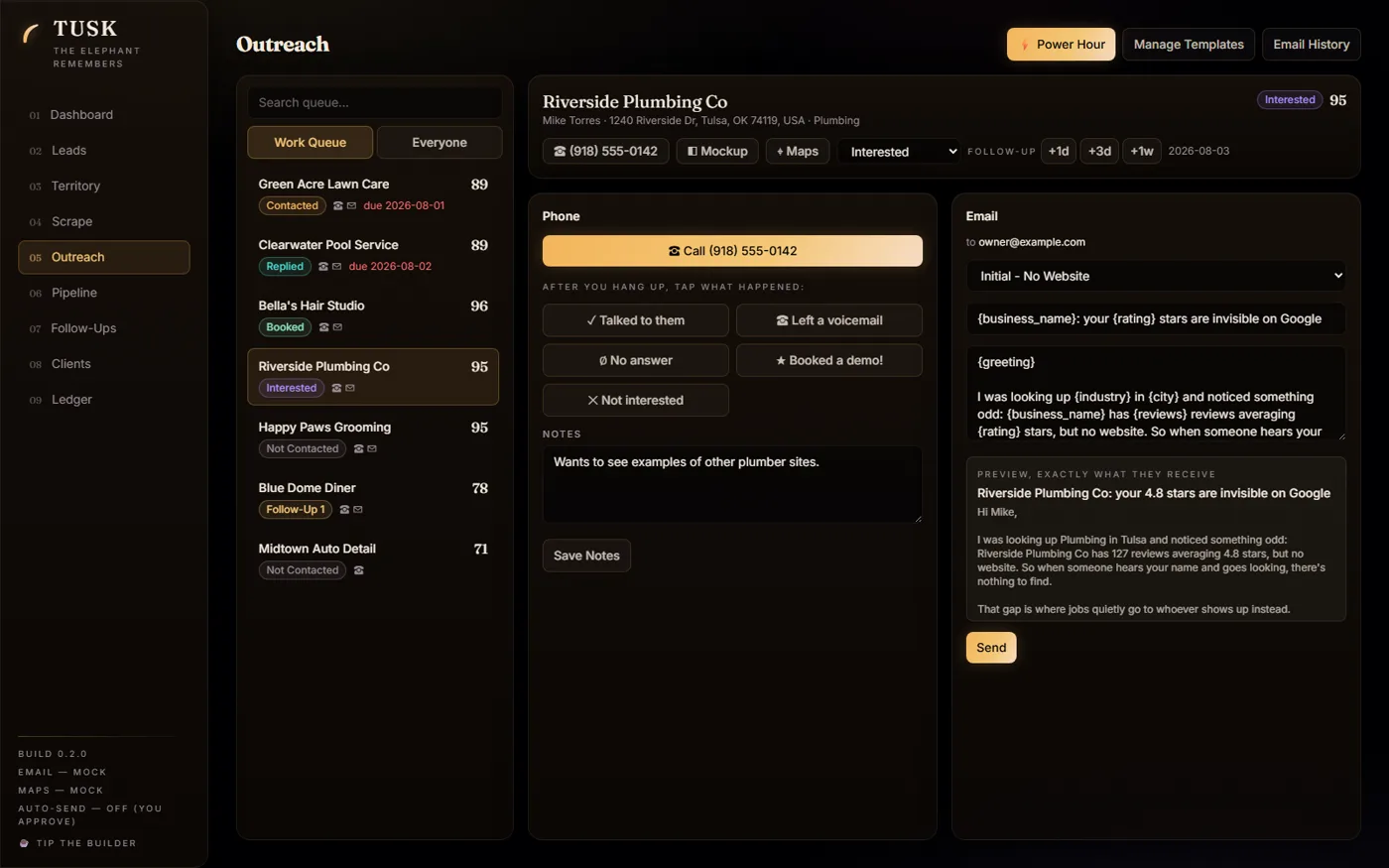
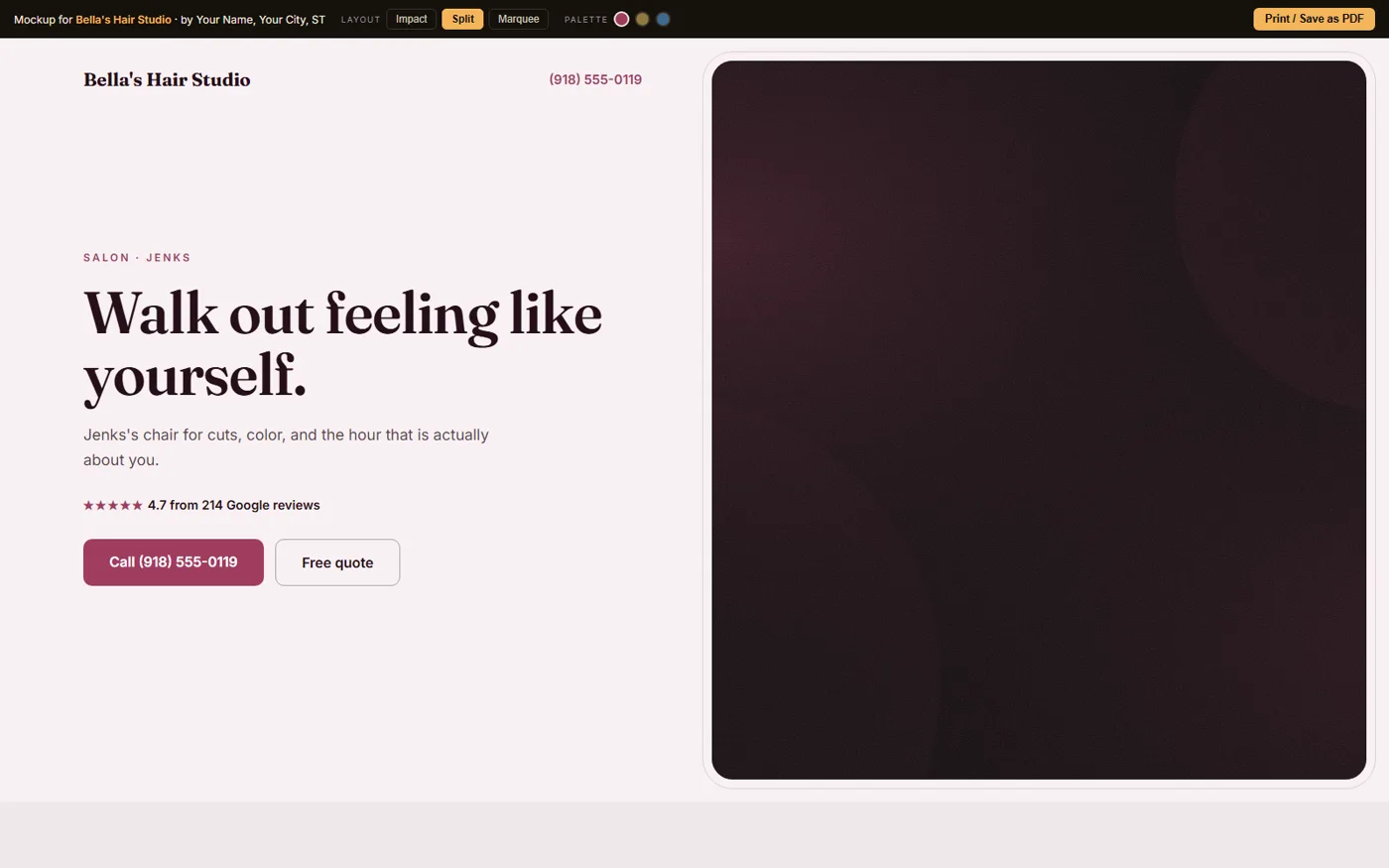
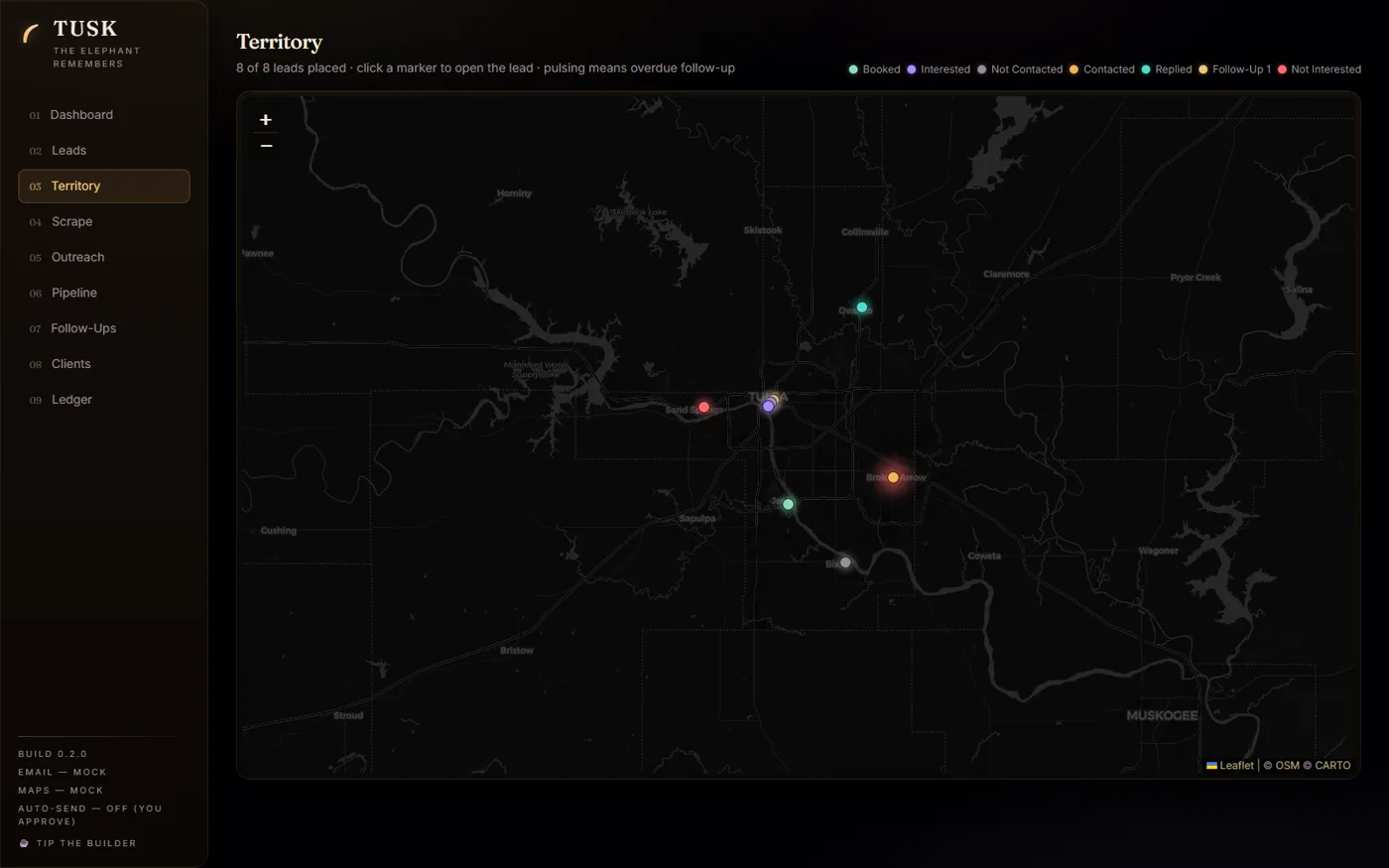
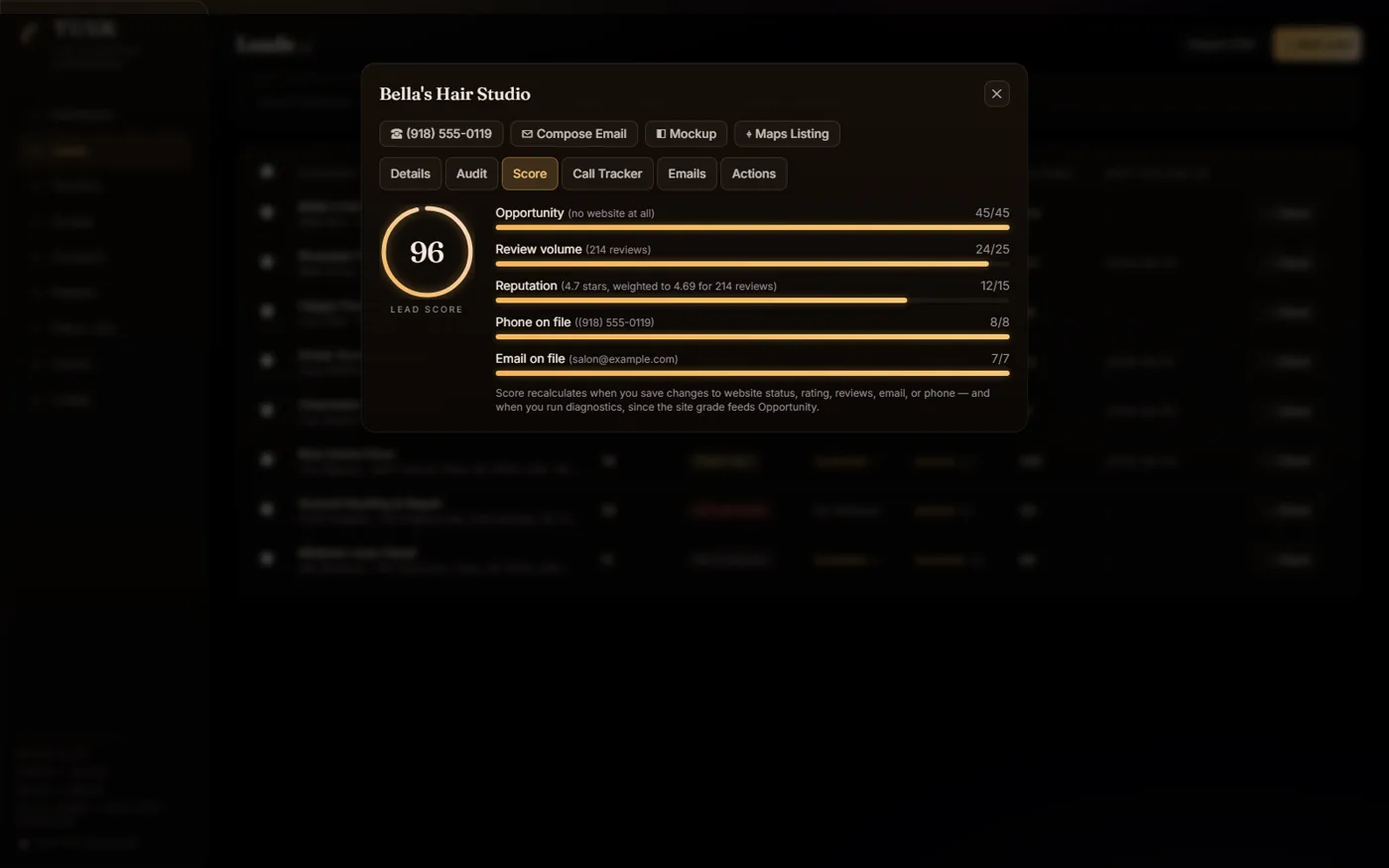
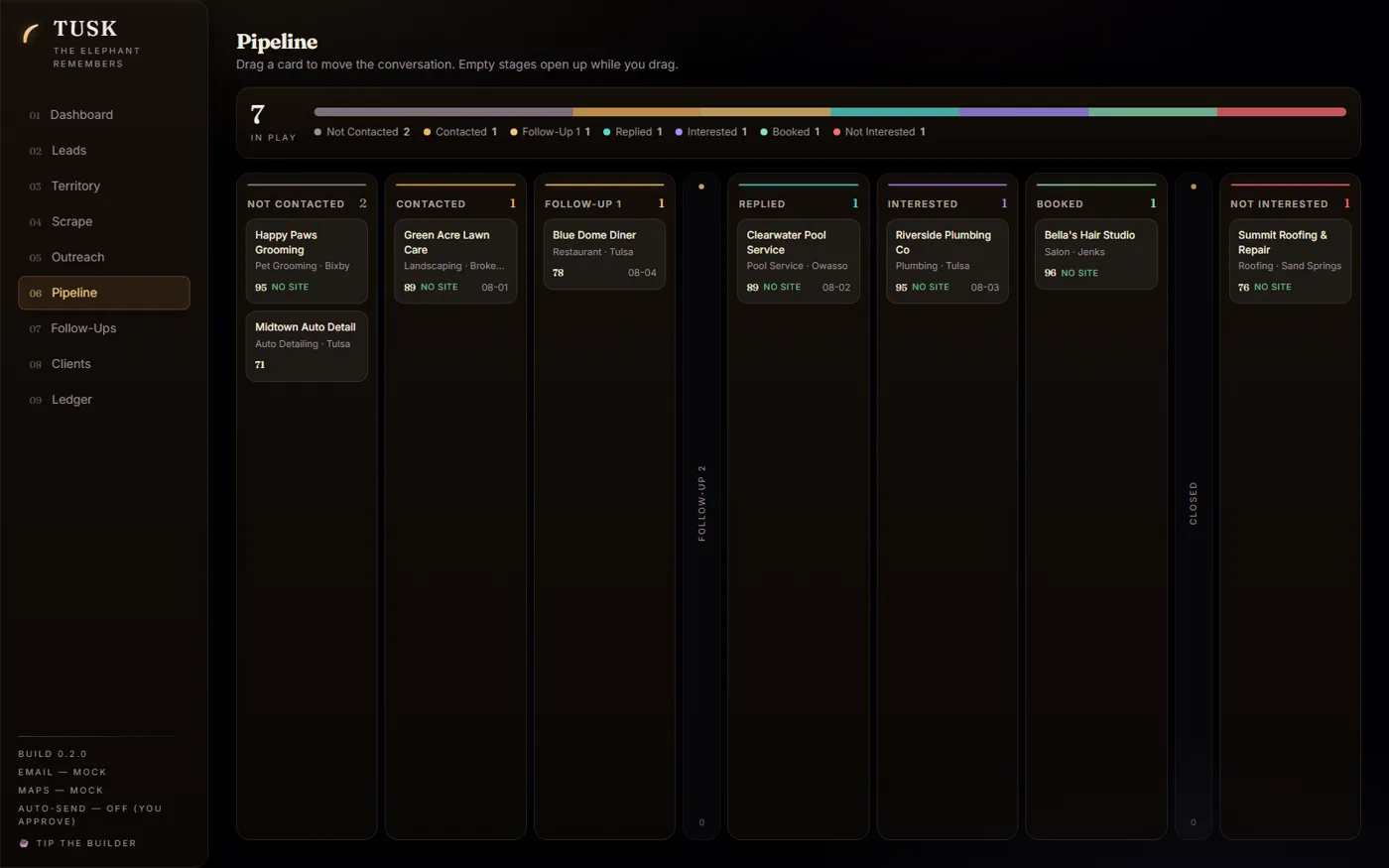
A typical workflow
Choose a business type and area, review the leads and website findings, then decide who to contact. Keep notes on the conversation and schedule a follow-up. If a lead becomes a client, track the project and invoice in the same app.
What else is inside
- Website checks with grades and findings. Treat them as a starting point for review, including any accessibility findings; they aren't a compliance assessment.
- Email templates that use lead details. Check the facts and wording before sending.
- Client records, project files, and invoices.
- An Excel export with dashboard, lead, and client information.
Data and backups
The app and database run on your computer. Optional Google Places searches and SMTP email send requests and data to those external services. Their credentials are kept in local configuration and used when connecting.
For a backup, stop the app and copy server/crm.db, server/files/, and your local configuration. Protect the configuration because it can contain credentials. A database copy alone doesn't include attachments or settings.
Email sends require your action with the default configuration. Automatic follow-ups are a separate option; leave AUTO_FOLLOWUPS=false unless you intend to enable them.
License and support
The self-hosted source is free under the MIT license. You can report a problem on GitHub or support the project through the optional Ko-fi tip jar.
Prefer it hosted?
A separate hosted version is available at tuskcrm.com. Check that site for its current terms. The source download here remains free.